How an AI Presentation Generator Helps Consultants Create Client Workshops Faster
Learn how consultants use AI presentation generators to build client workshops in half the time, with better structure and less manual effort.
Time is a consultant’s most valuable asset. Many professionals waste countless hours on manual content creation instead of focusing on high-level strategy. Enter the AI presentation generator. By leveraging presentation automation, consultants transform raw data into polished AI slides in minutes. Whether your focus is corporate training, utilizing educational AI for workshops, or building interactive modules,, modern technology accelerates your workflow. Some trainers even Create Visual Novel scenarios for immersive learning. Unni.ai streamlines this process entirely, letting you build workshops faster, engage your audience, and deliver better client outcomes with minimal effort.
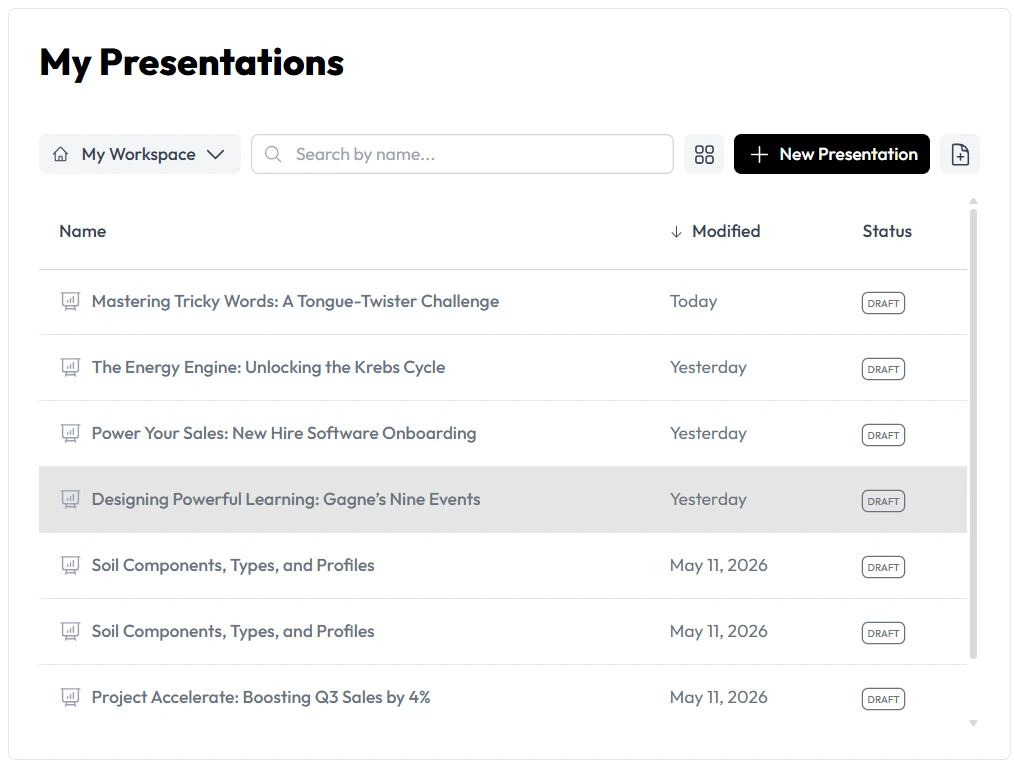
The Cost of Traditional Workshop Planning
Consultants and instructional designers know the struggle of building a new workshop from scratch. You gather pages of research, client notes, and industry data. Then comes the tedious part. You open a blank slide deck and spend hours formatting text boxes, searching for the right layout, and adjusting font sizes.
This manual process drains energy. It takes time away from practicing your delivery or customizing your strategic advice. When you bill by the hour or by the project, spending two days formatting a slide deck hurts your profitability.
Clients expect visually stunning, highly interactive sessions. They do not want to read walls of text. Delivering that level of quality consistently requires a new approach to how you handle your workflow. This is exactly where Unni.ai changes the landscape for professionals.
Mastering Course Creation and Presentation Automation with Unni
Moving from manual design to a streamlined system requires the right platform. Unni acts as your dedicated design assistant and content strategist. It takes your raw concepts and structures them into a coherent narrative.
Here is a practical step-by-step process to build your next client workshop using Unni.ai.
-
Define your core objectives: Start by outlining the three main takeaways your client needs from the workshop. Type these core goals directly into Unni.ai.
-
Generate the foundational outline: Prompt Unni.ai to create a structured agenda based on your objectives. The platform will organize your thoughts into logical modules, ensuring a smooth flow of information.
-
Produce your initial draft: Use the presentation automation features to turn that outline into a full deck. Unni.ai instantly maps your text to the most effective visual layouts.
-
Refine and customize: Review the generated AI slides. You can easily tweak the tone, expand on specific bullet points, or ask Unni.ai to simplify complex industry jargon for a general audience.
-
Incorporate interactive elements: Standard lectures lose audience attention quickly. Add discussion prompts or scenario-based questions generated by the platform to keep participants engaged.
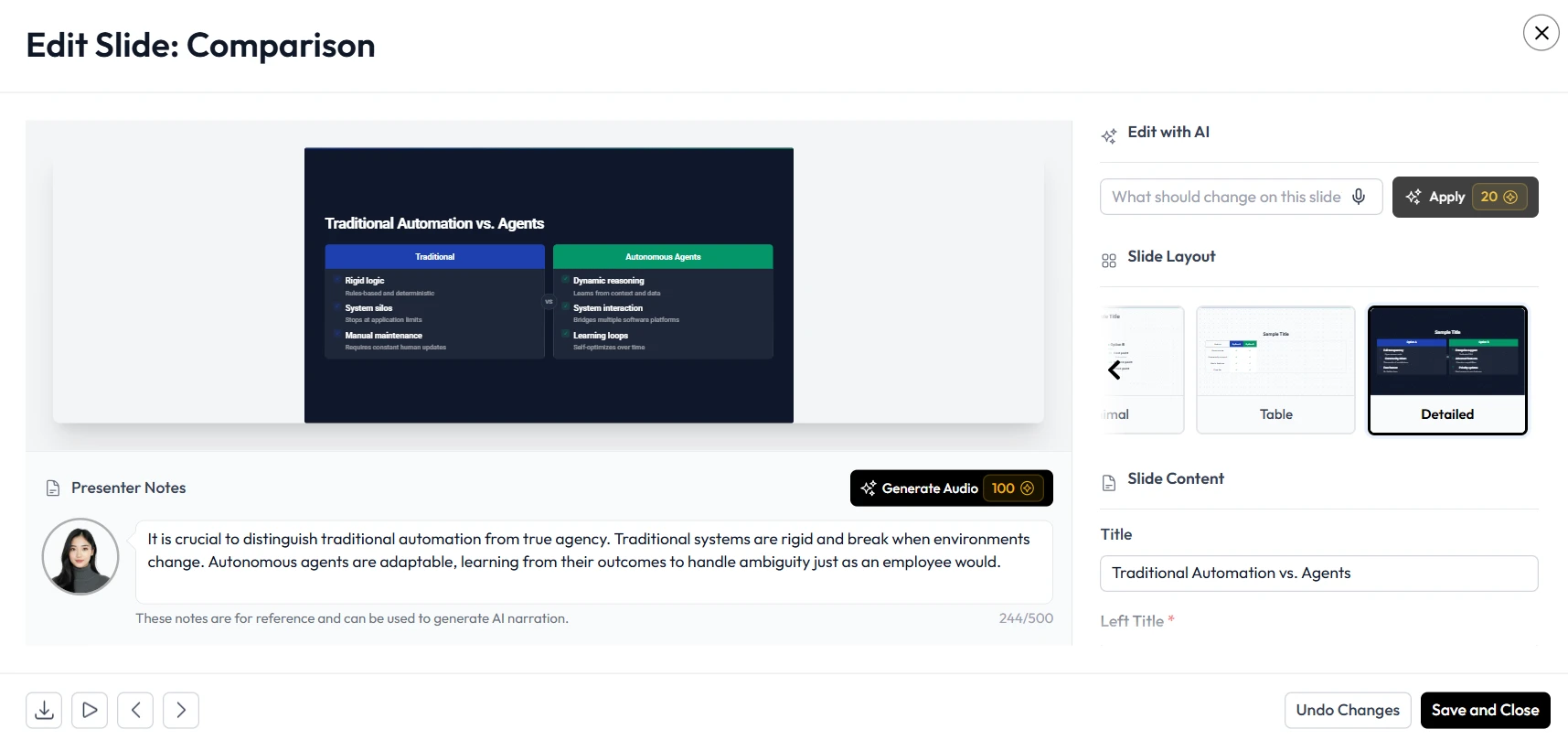
Practical Examples of Educational AI in Action
Understanding the theory is helpful, but seeing practical applications proves the value of this technology. Consultants across different niches use **Unni.ai**i to deliver faster, more effective training sessions.
Change Management Consulting
A consultant is hired to guide a corporation through a major software transition. Instead of building generic slides, they feed the client’s internal memos and new software guidelines into Unni. The platform generates a tailored, week-by-week training presentation. The consultant saves fifteen hours of prep time and delivers a highly specific workshop.
Corporate Leadership Training
Leadership training requires nuance and engagement. A trainer uses Unni.ai to build branching roleplay scenarios. By leveraging the platform to create visual novel style interactions, the trainer presents real-world management dilemmas on screen. The audience votes on the best leadership response, making the session highly interactive.
Onboarding and Compliance
Instructional designers frequently update onboarding materials to meet new regulations. With Unni, updating a deck takes minutes. The designer inputs the new legal requirements, and the platform automatically adjusts the relevant AI slides while maintaining the company’s branding and design standards.
Beyond Basic Slides: Building a Digital Experience
Modern audiences suffer from slide fatigue. If you want your consulting workshops to lead to repeat business, you must provide an experience. Unni.ai helps you move beyond static bullet points.
You can use the platform for comprehensive Digital Experience Creation. This means structuring your presentation as a journey. You can alternate between data-heavy analytical slides, full-screen impact images, and interactive Q&A checkpoints.
Unni.ai understands the pacing of a good presentation. It suggests where to place visual breaks and where to emphasize key data points. This level of educational AI ensures that your workshop flows naturally and keeps the audience’s attention from start to finish.
Image Suggestion: Placement: Before the Checklist section Image Type: Software interface showcasing interactive learning modules Alt text: “Digital Experience Creation interface showing how to Create Visual Novel scenarios for Course Creation”
Pre-Workshop Presentation Automation Checklist
Before you walk into the boardroom or start your virtual meeting, ensure your workshop is optimized. Use this quick checklist alongside Unni.ai to guarantee success.
-
Verify that your brand colors and client logos are properly applied across all AI slides.
-
Check the pacing by reviewing the Unni.ai generated timeline and module breakdowns.
-
Ensure every major data point has a dedicated visual chart rather than a text explanation.
-
Include at least three interactive checkpoints to break up the lecture format.
-
Export a secondary PDF version of your Unni.ai deck to use as a client leave-behind.
Image Suggestion: Placement: Before the FAQ section Image Type: Clean, modern workspace with a laptop showing a completed slide deck Alt text: “Content Creation workflow inside the Unni.ai platform for corporate trainers”
Frequently Asked Questions
How much time can I save using an AI presentation generator?
Most consultants report cutting their preparation time by up to 75%. Tasks that traditionally took a full workday can be completed in under one hour using Unni.ai.
Will the presentations look like generic templates?
No. Unni.ai generates custom layouts based on the specific text and data you provide. You also maintain complete control over branding, colors, and typography to ensure the final product matches your professional identity.
Can I use my existing workshop content with this technology?
Yes. You can import your current notes, outlines, or outdated presentations. Unni.ai will analyze your existing material and refresh it into modern, highly effective slides.
Is my client data secure when using presentation automation?
Unni.ai prioritizes user privacy and data security. Your proprietary consulting frameworks and client information remain confidential and are never exposed to public models.
Conclusion
The future of consulting and training relies on speed and efficiency. Relying on an AI presentation generator removes the friction from standard Content Creation. By adopting presentation automation, you can dedicate more time to client strategy and less time to formatting AI slides.
Unni provides the ideal environment for robust Course Creation and applied educational AI. From building simple corporate workshops to engineering an interactive Digital Experience Creation, the possibilities are vast. You can even leverage the technology to Create Visual Novel branching scenarios to keep your participants fully engaged and invested in the material.