AI Presentation Software for Organized Knowledge Management
Stop the burnout. Learn how an AI presentation generator and presentation automation can transform educational AI workflows for instructional designers today.
The Sunday night routine is familiar to almost every educator and corporate trainer. It starts with a mountain of raw data, a few scattered PDFs, and a blank PowerPoint deck. What follows is a four-hour marathon of copying text, resizing text boxes, and hunting for high-resolution images that don’t look like dated clip art. By the time the sun goes down, the content is ready, but the creator is exhausted.
This is the reality for instructional designers and learning experience professionals. You aren’t just teaching; you are acting as a graphic designer, a copywriter, and a slide technician all at once. The mental load of manual creation is leading to widespread burnout in the education and training sectors. However, a shift is happening. By leveraging an AI presentation generator and lean presentation automation, professionals are reclaiming their time and focusing on what actually matters: the learner’s experience. Unni.ai is here to be the solution.
The Hidden Cost of Manual Presentation Design
In a typical corporate training or higher education environment, the “slide work” is often the most significant bottleneck. A 30-minute training session might require eight hours of preparation. Most of that time isn’t spent on pedagogical strategy; it is spent on the mechanical tasks of alignment and formatting.
The Burnout Cycle
When you spend three hours fixing the margins on 40 different AI slides, you lose the mental energy required to make the lesson engaging. Instructional designers often report that the repetitive nature of lesson planning and slide building feels like “digital assembly line work.” This leads to:
-
Inconsistent branding across different departments.
-
Outdated materials that are too tedious to update.
-
Low engagement because the designer was too tired to build interactive elements.
Unni.ai was built to break this cycle. Instead of forcing you to be a designer, Unni.ai acts as a workflow partner that handles the heavy lifting of visual structure.
Why Educational AI is Changing the Workflow
The introduction of educational AI isn’t about replacing the teacher or the designer; it is about training automation. For a professional in the field, efficiency is a primary driver of job satisfaction. We are used to tools that “just work,” yet presentation software has remained largely the same for decades.
From Scratch to Finished in Seconds
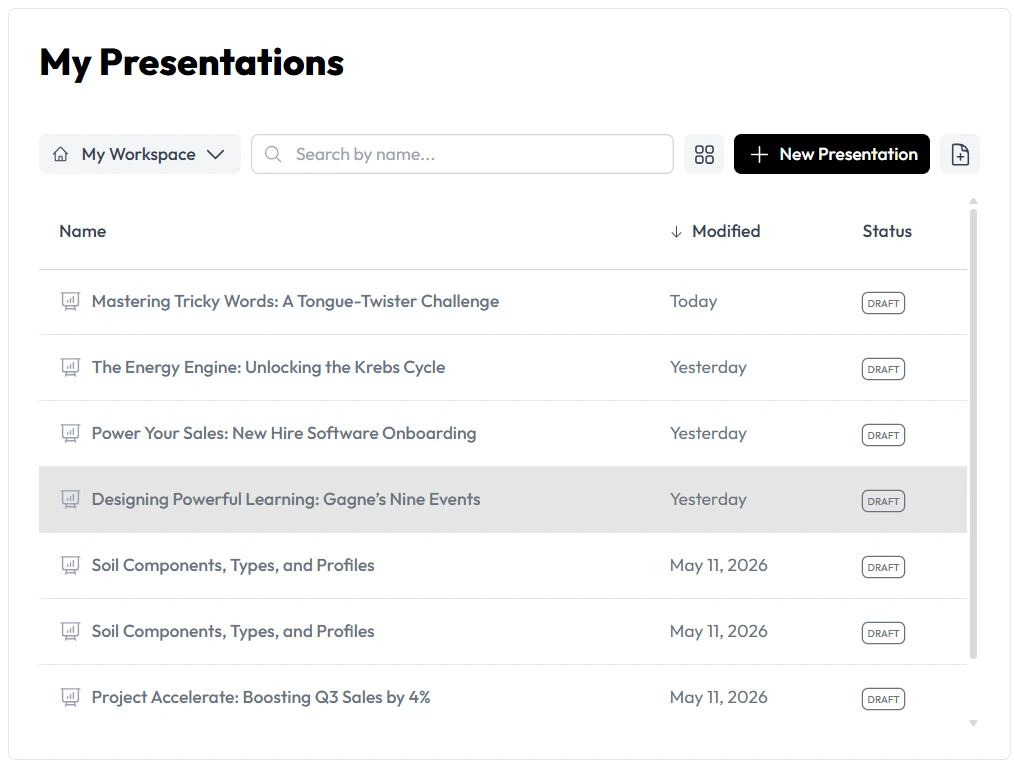
With Unni.ai, the process changes from “creating” to “curating.” Instead of staring at a white screen, you input your core curriculum or training notes. The AI presentation generator then analyzes the hierarchy of your information and suggests a logical flow.
This is particularly useful for:
-
Corporate Trainers: Turning a 50-page compliance manual into a 15-slide digestible deck.
-
Higher Education Professors: Updating lecture notes with the latest research without rebuilding the entire theme.
-
Learning Experience Designers: Prototyping multiple versions of a course to see which visual style fits the audience best.
Solving the Formatting Frustration
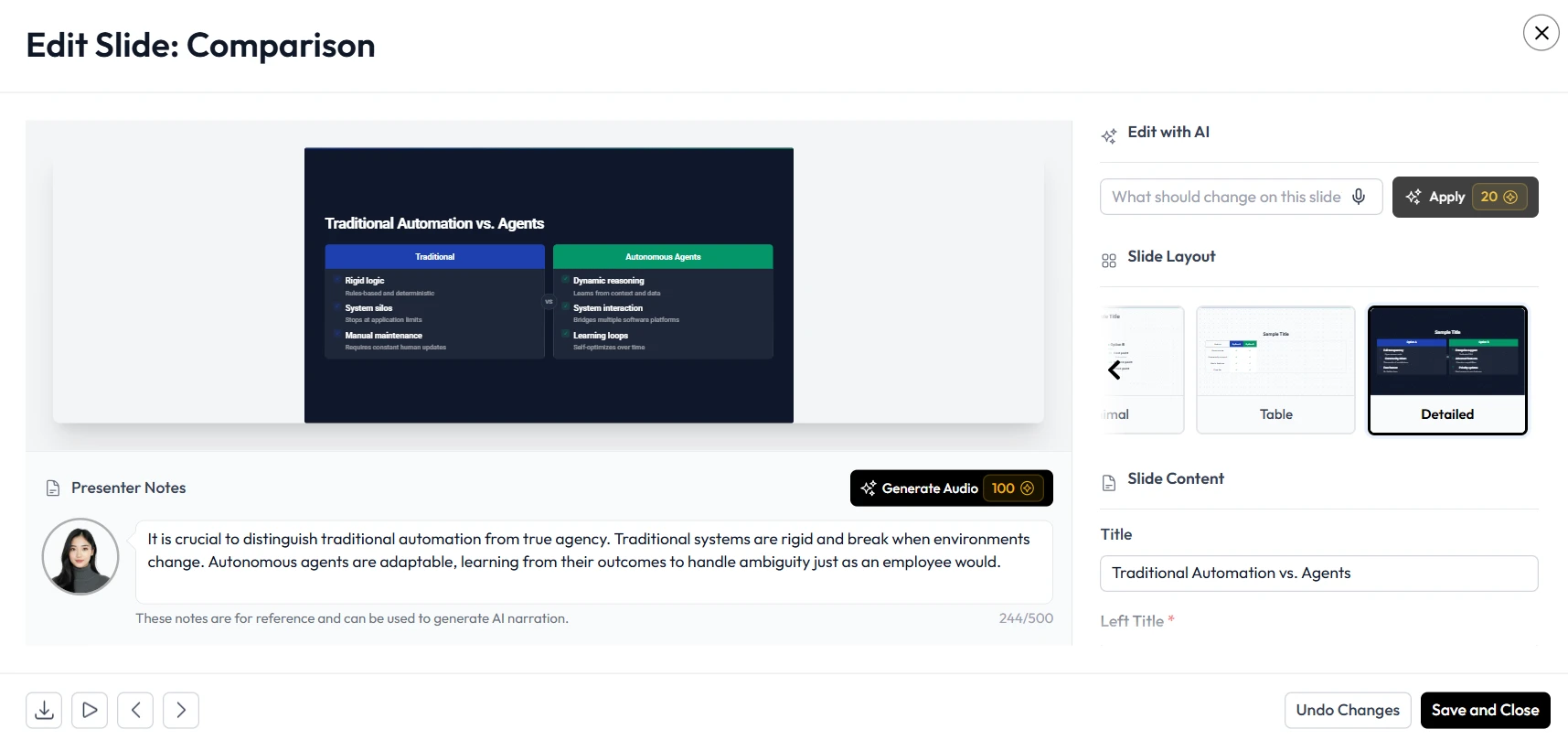
One of the greatest frustrations is formatting. You find a great image, but it pushes your bullet points off the screen. You change the font size, and suddenly every other slide looks off-balance. Unni removes this friction by using intelligent layouts that adapt to your content, ensuring your AI slides look professional every time.
Productivity Checklist: Streamlining Your Next Training
To move away from manual labor and toward a high-efficiency workflow, consider this checklist for your next project.
-
Centralize your source material: Gather your notes, PDFs, and links before opening any software.
-
Define the learning objective: What is the one thing the audience must remember?
-
Use Unni.ai for the first draft: Let the AI presentation generator build the skeleton and initial design.
-
Audit for brand consistency: Ensure the colors and logos align with your organization’s guidelines (Unni.ai does this automatically if set up).
-
Focus on the “Hook”: Spend your saved time crafting a compelling opening and closing.
Moving Toward Organized Knowledge Management
The ultimate goal for any organization is not just to make one good presentation, but to manage knowledge effectively. When your training materials are built through presentation automation, they become modular.
If a company policy changes, you shouldn’t have to manually edit 50 different decks. Unni.ai allows for a more organized approach to content. By using educational AI as a central hub for your visual assets, you ensure that every trainer in the organization is using the most up-to-date, on-brand information.
This is where Unni.ai transitions from a simple tool to a full-scale workflow solution. It bridges the gap between raw data and polished, persuasive communication.
Frequently Asked Questions (FAQ)
Will the AI-generated slides look generic?
No. Unni.ai uses sophisticated design algorithms that go beyond basic templates. You can customize the aesthetic to match your specific brand or personal style, ensuring that while the layout is automated, the “soul” of the presentation remains yours.
Can I use my own curriculum with an AI presentation generator?
Absolutely. In fact, Unni.ai works best when you provide it with your specific expert knowledge. It handles the visual organization so you can focus on the accuracy and impact of your teaching.
Is this suitable for K-12 teachers?
Yes, AI for teachers is one of the fastest-growing sectors. Unni.ai helps K-12 educators tackle the heavy load of lesson planning by quickly creating visual aids that keep students engaged without requiring hours of after-school work.
Conclusion: Reclaim Your Creative Energy
The era of spending eight hours on a single slide deck is coming to an end. For instructional designers, trainers, and educators, the focus is shifting back to the “human” element of learning. By adopting an AI presentation generator like Unni.ai, you are implementing a system of presentation automation that protects your time and mental health.
The transition to educational AI is a practical response to the increasing demands of the modern workplace. Don’t let the technicalities of slide design stand in the way of your message. If you are ready to eliminate formatting frustration and deliver high-impact training in half the time, it is time to integrate Unni.ai into your professional toolkit.
Visit Unni.ai today to see how your next presentation can build itself.