How to Automate Employee Onboarding Slides with AI
Learn how to automate employee onboarding slides with AI. See how Unni.ai helps HR and L&D teams produce consistent, professional onboarding content faster.
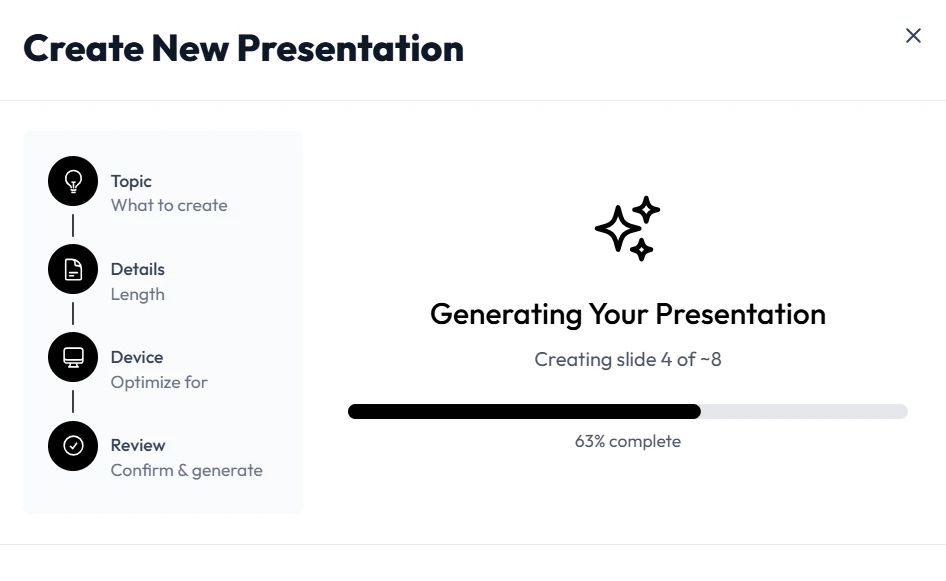
First impressions matter in the corporate world. When a new hire joins your team, the quality of their onboarding experience often predicts their long-term engagement and retention. However, creating comprehensive onboarding decks manually is a time-consuming task that drains resources from HR departments and corporate trainers. By leveraging an AI presentation generator, you can transform a tedious administrative chore into a streamlined, high-impact workflow.
Using presentation automation allows you to move away from generic templates and toward personalized, role-specific content. This shift is particularly vital for instructional designers and educators who need to deliver complex information clearly. Integrating educational AI into your corporate training strategy ensures that your slides are not just visually appealing but also pedagogically sound. With Unni.ai, the transition from raw data to a finished presentation happens in minutes, allowing you to focus on the human element of onboarding.
Why Automation is Essential for Modern Onboarding
Traditional onboarding often suffers from “information overload.” New employees are handed massive handbooks or subjected to hours of static slides that haven’t been updated in years. This approach is inefficient for both the trainer and the trainee. Using Unni.ai to implement presentation automation ensures that every deck is current, consistent, and tailored to the specific department.
For educational AI to be effective in a corporate setting, it must reduce the cognitive load on the learner. Automated tools help by organizing information into digestible segments, choosing appropriate visuals, and maintaining a professional tone without requiring a graphic design degree. When you use Unni.ai, you are not just making slides; you are building a scalable training infrastructure.
Step 1: Define Your Onboarding Architecture
Before opening Unni.ai, identify the core pillars of your onboarding process. Most successful programs include:
-
Company culture and mission statements.
-
Administrative essentials (benefits, software access, and security).
-
Role-specific technical training.
-
Team introductions and communication protocols.
By outlining these in a simple text document or a list of bullet points, you provide the AI presentation generator with the necessary context to build a logical narrative. The paltform excels at taking these structural outlines and expanding them into professional layouts.
Step 2: Feed the AI High-Quality Source Material
The quality of your output depends on the clarity of your input. Instead of writing out every slide word-for-word, provide Unni.ai with your company handbook, a rough transcript of a welcome speech, or a list of key performance indicators. The educational AI capabilities within Unni.ai analyze this data to extract the most relevant points.
This stage is where training automation truly shines. Rather than manually copying and pasting text into boxes, you allow Unni.ai to interpret the hierarchy of information. This ensures that the most important “need-to-know” facts are emphasized on the slides, while “nice-to-know” details are relegated to speaker notes or supplementary materials.
Step 3: Customizing the Visual Identity
Brand consistency is crucial for professional presentations. Unni.ai allows you to set specific brand guidelines so that every generated deck matches your company’s visual identity. You can define:
-
Primary and secondary color palettes.
-
Typography and font weights.
-
Logo placement and iconography styles.
When you use the AI presentation generator features of Unni.ai, the platform applies these styles across all slides instantly. This eliminates the need to fix formatting on every individual page, which is often where most time is lost in traditional software.
Step 4: Refining Content for Engagement
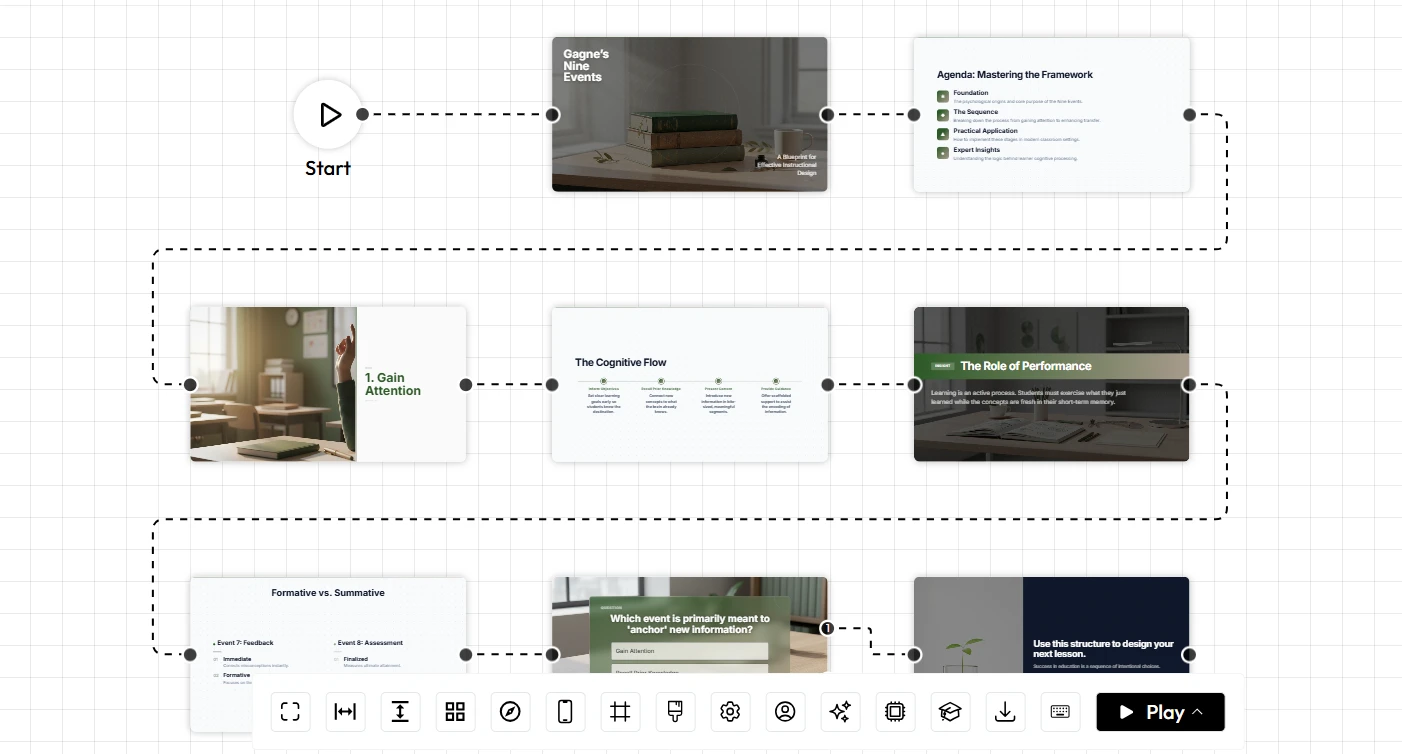
Once Unni.ai has generated the initial draft, review the content through the lens of an educator or trainer. Check for:
-
Clarity: Is the industry jargon explained or avoided?
-
Flow: Does each slide lead logically to the next?
-
Interaction: Are there prompts for questions or quick knowledge checks?
Presentation automation is about giving the human creator more time to refine the message. Use the editing tools in the platform to tweak specific phrasing or swap out images to better reflect your specific team dynamic.
Practical Examples of Onboarding Automation
The 90-Day Roadmap
Create a visual timeline of a new hire’s first three months. By inputting the milestones into Unni.ai, the AI presentation generator can create a clean, easy-to-read Gantt chart or roadmap slide that helps the employee visualize their path to success.
Technical Toolkits
For instructional designers, creating “How-To” guides for internal software is a constant task. Use Unni.ai to generate step-by-step visual guides. This form of educational AI application ensures that technical training is standardized across the organization.
Implementation Checklist for Training Managers
Use this checklist to ensure your automated onboarding process is optimized:
-
Content Audit: Gather all current PDFs and docs to use as source material for Unni.ai.
-
Style Guide: Upload your brand assets to Unni.ai to maintain visual consistency.
-
Audience Mapping: Segment your presentations by department (e.g., Sales, Engineering, HR).
-
Feedback Loop: Include a QR code or link on the final slide of your Unni.ai deck to collect feedback from new hires.
-
Update Schedule: Set a quarterly reminder to refresh the source data in Unni.ai to keep information current.
Frequently Asked Questions (FAQ)
How does an AI presentation generator save time?
It removes the “blank page” problem by creating a full draft in seconds. Unni.ai handles layout, image selection, and text hierarchy, reducing the time spent on design by up to 80%.
Can I export Unni.ai presentations to other formats?
Yes, Unni.ai allows for various export options, ensuring that your automated decks can be used in live meetings, shared as PDFs, or integrated into your existing Learning Management System (LMS).
Is the content generated by educational AI accurate?
The AI organizes and rephrases the information you provide. While Unni.ai is highly sophisticated, it is always best practice for a subject matter expert to perform a final review to ensure specific company nuances are captured correctly.
Does presentation automation work for complex technical training?
Absolutely. By providing Unni.ai with detailed technical documentation, the platform can break down complex concepts into structured modules, making it an ideal tool for lesson planning and technical instructional design.
Conclusion
Automating your employee onboarding slides is a necessity for fast-moving organizations. By utilizing an AI presentation generator, you can ensure that every new hire receives the same high-quality, branded, and informative introduction to your company. Tools like Unni.ai bridge the gap between static information and engaging visual storytelling, allowing trainers and educators to focus on what they do best: teaching.
Embrace presentation automation to eliminate repetitive design tasks and keep your training materials perpetually fresh. Whether you are focusing on educational AI for a classroom or training automation for a global corporation, the efficiency gains are undeniable.
Ready to transform your onboarding experience? Visit Unni.ai today to start building your first automated presentation and see how much time you can save.