How to Turn Lesson Notes into AI-Generated Slides
Learn how to turn raw lesson notes into polished AI slides in minutes. A step-by-step guide for teachers using Unni.ai to automate their slide creation.
The transition from a raw outline or a messy set of lecture notes to a polished deck is often the most time-consuming part of teaching. For educators and instructional designers, the goal is clarity and engagement, but manual formatting often eats up hours that could be spent on student interaction. By leveraging an AI presentation generator, you can bridge the gap between static text and visual storytelling instantly.
Using Unni.ai allows you to transform bullet points, PDFs, or even handwritten notes into structured AI slides. This process, known as presentation automation, ensures that your core message remains intact while the heavy lifting of design is handled by intelligent algorithms. Whether you are a corporate trainer or a high school teacher, mastering this workflow will redefine your prep time.
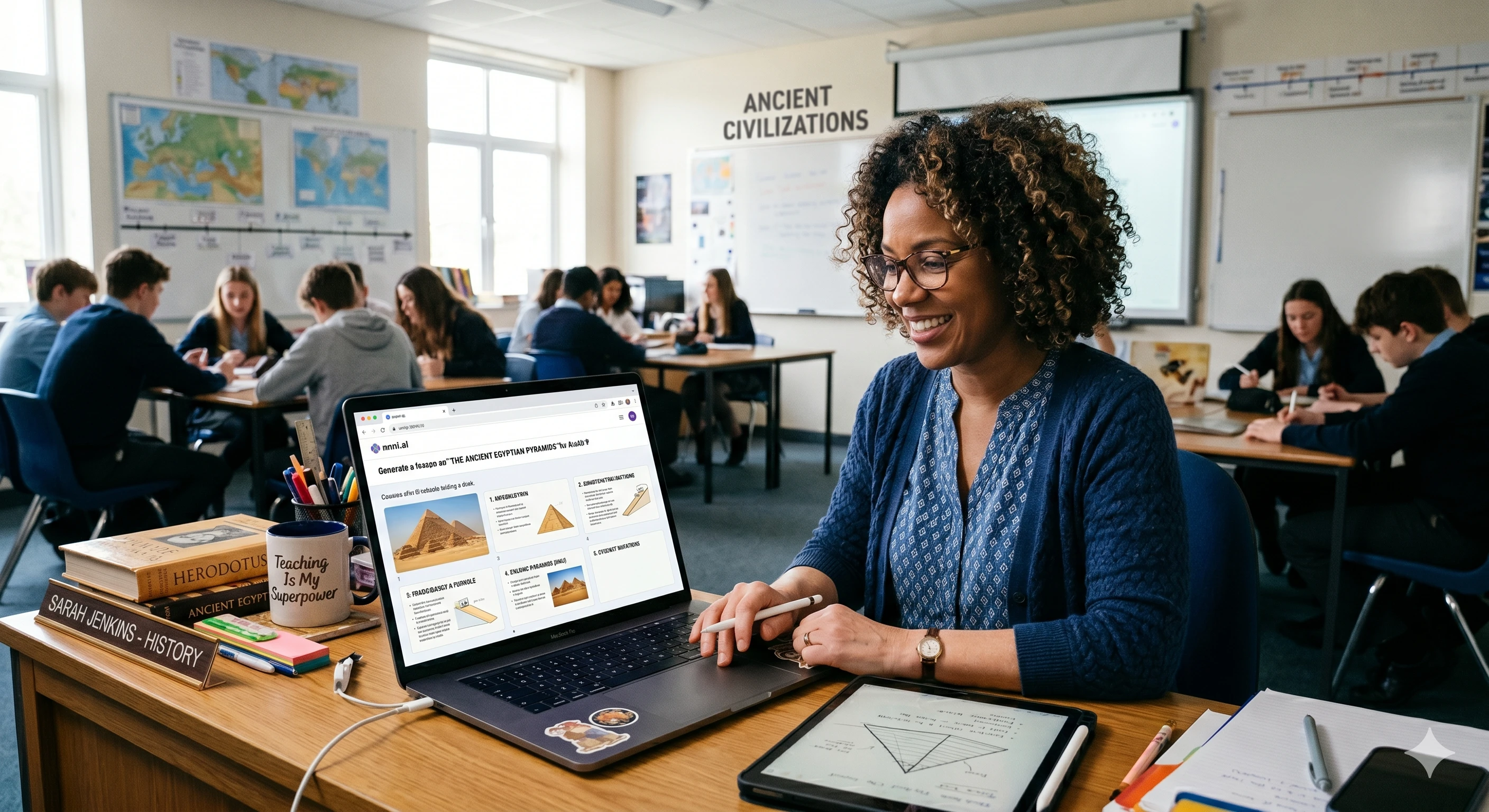
Step 1: Prepare and Clean Your Notes
Before you input data into Unni.ai, ensure your notes have a logical flow. While an AI presentation generator is capable of interpreting unstructured text, providing a clear hierarchy will result in better slide transitions.
-
Define your objectives: Start with a clear title and the main takeaways.
-
Use headers: Mark sections like “Introduction,” “Key Concepts,” and “Summary.”
-
Highlight keywords: Identify the terms you want the AI to emphasize visually.
If your notes are currently in a physical notebook, use a scanning app to convert them to digital text. Unni.ai excels when provided with clear, contextual information, allowing the presentation automation engine to suggest relevant icons and layouts.
Step 2: Uploading Content to Unni.ai
Once your content is digitized, navigate to the Unni dashboard. The platform is designed specifically for professionals who need high-quality output without a steep learning curve.
-
Select the “Create from Text” or “Import Notes” option.
-
Paste your lesson notes directly into the Unni.ai interface.
-
Choose your target audience, such as “Higher Education” or “Corporate Training.”
-
Select a tone that matches your teaching style.
Unni.ai uses advanced natural language processing to identify the most important parts of your text. It doesn’t just copy and paste; it summarizes and adapts the language to fit the visual constraints of AI slides.
Step 3: Refine the Structure with AI Assistance
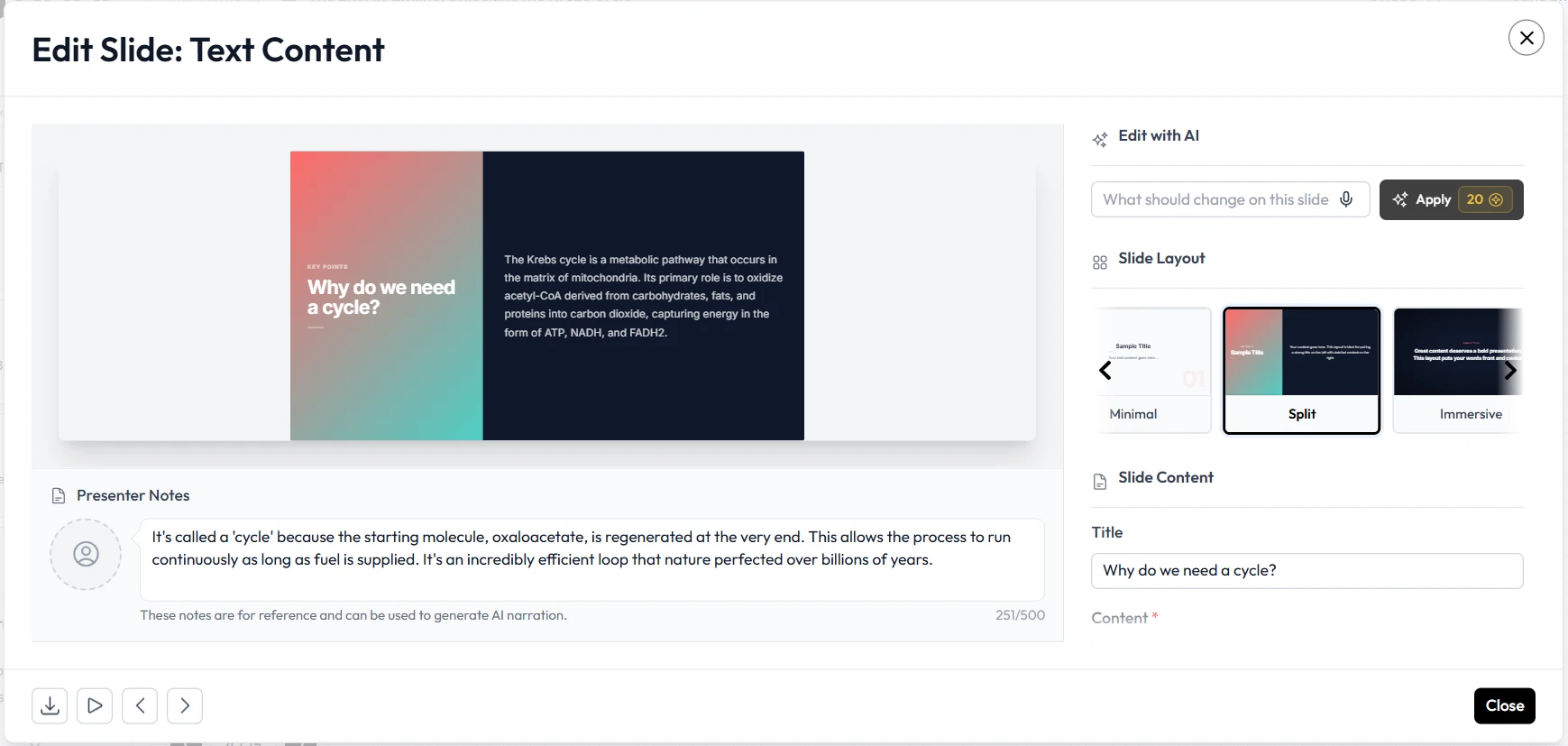
After you click generate, Unni.ai will produce a draft of your presentation. This is where the power of an AI presentation generator truly shines. Instead of moving boxes around, you act as the editor-in-chief.
Review the generated outline. If a specific slide feels too cluttered, you can ask Unni.ai to split the content or simplify the wording. This level of presentation automation ensures that your educational AI materials remain accessible to all learners. You can also prompt Unni.ai to add specific visual elements, like a timeline for history lessons or a process diagram for scientific workflows.
Step 4: Customizing Visuals and Branding
Design is often the biggest hurdle for non-designers. Unni eliminates the “blank canvas” syndrome by applying professional themes automatically.
-
Color Palettes: Choose from pre-set themes that are optimized for readability in classrooms or boardrooms.
-
Image Integration: Unni.ai suggests high-quality imagery based on the context of your lesson.
-
Layout Variations: Switch between different slide styles with a single click without losing your content.
Using Unni.ai ensures that your AI slides look consistent. This consistency is vital for instructional designers who need to maintain a specific brand or academic standard across multiple modules.
Practical Examples of Note-to-Slide Transformation
To understand how to maximize Unni, look at these common use cases for professionals and educators:
For Academic Professors
Turn a 10-page research paper into a 15-minute lecture deck. Paste the abstract and conclusion into Unni.ai to generate the core slides, then add the methodology details into the specific sections the AI creates.
For Corporate Trainers
Convert a technical manual into a training workshop. Use Unni.ai to break down complex procedures into step-by-step AI slides that include “Check Your Understanding” prompts.
For Course Creators
Take a script from a video lesson and turn it into a downloadable PDF presentation. Unni.ai handles the formatting so you can focus on recording your audio.
Checklist for Perfect AI-Generated Lessons
Before you finalize your presentation on Unni.ai, run through this quick checklist to ensure your content is optimized for your audience:
-
Clarity Check: Is the text on each slide limited to 3 to 5 bullet points?
-
Visual Alignment: Do the images provided by Unni.ai directly support the text?
-
Engagement Points: Have you included a slide for Q&A or a group activity?
-
Accessibility: Is the font size large enough for those in the back of the room?
-
Flow: Do the transitions between sections feel logical and paced correctly?
FAQ: Using AI for Lesson Planning
Does using an AI presentation generator replace the teacher’s input?
No. Unni.ai is a collaborative partner. It handles the formatting and initial drafting, but your expertise is required to fact-check, add personal anecdotes, and tailor the message to your specific students.
How much time can I save with presentation automation?
Most users report saving between 60% and 80% of their usual design time. By starting with AI slides, you skip the tedious parts of PowerPoint or Google Slides and move straight to the final polish.
Is Unni.ai suitable for complex scientific topics?
Yes. Because Unni.ai is built for educational AI workflows, it can handle sophisticated terminology and structure information into logical hierarchies, making it ideal for STEM subjects and technical training.
Can I export my slides to other formats?
Unni.ai allows for easy exporting, ensuring that you can present in the environment you are most comfortable with while still benefiting from AI-driven design.
Conclusion
The era of spending all night on a single slide deck is over. By integrating an AI presentation generator into your workflow, you can focus on what you do best: teaching and leading. Converting your lesson notes into high-impact AI slides is no longer a manual chore but a streamlined, creative process.
Educational AI tools like Unni.ai provide the necessary bridge between deep knowledge and visual communication. With the power of presentation automation, your materials will not only look better but will also be more effective at transferring knowledge to your audience.