AI Training Presentation Software for Remote Workforce Training
Discover how a powerful AI presentation generator builds AI slides to eliminate burnout. Unni.ai leverages educational AI to streamline remote workforce training.
Every instructional designer knows the sinking feeling of staring at a blank screen late at night. You have a massive remote workforce training module due tomorrow morning. Instead of focusing on the actual learning experience, you are wasting precious hours aligning text boxes and hunting for decent graphics. This is exactly where an AI presentation generator becomes a true lifeline. When you implement AI slides into your daily workflow, you move from tedious manual formatting to high-level strategic planning. By utilizing educational AI, professionals can finally escape the endless loop of manual content creation. Unni.ai was built specifically for this reality, offering a practical, stress-free escape from deep presentation burnout.
The Heavy Toll of Manual Content Creation
Instructional designers, corporate trainers, and higher education professionals share a very common frustration in the modern workplace. They are hired for their deep expertise in pedagogy, adult learning theories, and curriculum development. Yet, they consistently spend the majority of their week acting as amateur graphic designers. Drafting training materials manually is a massive drain on overall productivity and mental energy.
The traditional process involves searching for the right visual layout, ensuring strict brand consistency, and condensing complex training material into digestible bullet points. This repetitive cycle leads directly to professional burnout. When you manage a remote workforce, the pressure to deliver perfection multiplies significantly. Remote learners face countless distractions at home. They require highly engaging, visually appealing materials to stay focused during long virtual meetings. Delivering low engagement presentations is simply not a viable option for modern businesses.
However, creating high-quality visual assets under tight deadlines forces designers to cut corners. This pressure often results in inconsistent branding, cluttered visuals, and severe training material overload. Trainers find themselves overwhelmed by the sheer volume of content they need to produce. The constant anxiety of tight deadlines shadows every project, leaving little room for creativity or meaningful course creation.
Enter Unni: Your Workflow Solution for Presentation Automation
Unni.ai is far more than just another piece of software to add to your tech stack. It functions as a comprehensive workflow solution designed to handle the heavy visual lifting of presentation automation. The goal of Unni is to give you back the time you currently lose to repetitive formatting tasks.
Instead of starting from an intimidating blank canvas, you simply input your core training concepts, outlines, or raw notes. Unni processes this raw information and instantly structures it into a logical, flowing narrative. It deeply understands the pacing required for effective remote training. It helps you completely bypass any lack of design skills by automatically applying professional, visually balanced, and consistent layouts.
When you rely on Unni for your daily tasks, you reclaim the hours previously lost to frustrating software quirks. You no longer have to worry about a single image disrupting the entire alignment of your page. You get to step back into your true role as a learning experience designer, focusing on how your audience will interact with the material rather than how the material looks on a screen.
Why an AI Presentation Generator is Essential for Educational AI
The current landscape of remote work demands a completely new approach to digital learning. Traditional methods of course creation are entirely too slow to keep up with rapid corporate changes, sudden software updates, or shifting compliance standards. Educational AI effectively bridges this speed gap. It allows instructional designers to rapidly prototype training modules without sacrificing quality.
Using an AI presentation generator means your educational materials are always current and relevant. Imagine a scenario where a critical company compliance policy changes overnight. In the past, you would have to spend three hours rebuilding a slide deck, adjusting every single graphic to fit the new text. With Unni, you simply update the prompt or the source text within your dashboard. The system then regenerates the necessary AI slides in a matter of seconds.
This level of agility is absolutely critical for modern corporate trainers who need to deploy information instantly. Educational AI empowers you to act as a responsive, dynamic educator rather than a slow, bogged-down administrator.
Escaping the Formatting Trap with AI Slides
Let’s examine a highly realistic workplace scenario. Consider a corporate trainer named Sarah. She needs to deliver a comprehensive new software rollout training to a remote team of five hundred employees. Previously, Sarah would spend three full working days just gathering screenshots, pasting them into slides, and writing accompanying text. She would constantly fight with the software interface to make the images fit without distorting her carefully chosen fonts.
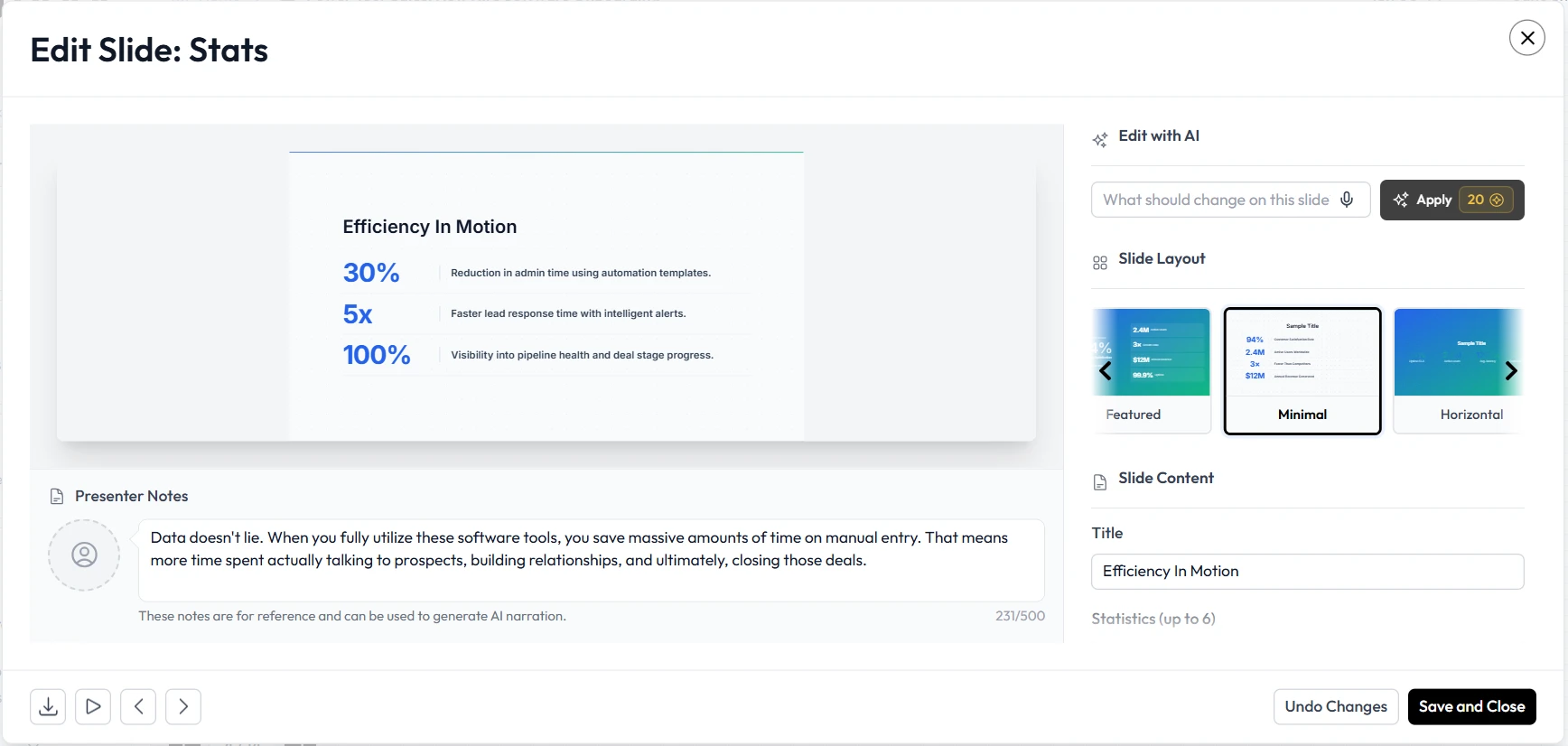
By migrating her workflow to Unni, Sarah fundamentally changes her entire process. She inputs her structured training outline and raw data into Unni. The system reads the context and immediately generates the AI slides with a proper, effective visual hierarchy. The time Sarah used to spend resizing images and adjusting borders is now spent developing engaging discussion questions, planning interactive polls, and rehearsing her delivery.
This scenario highlights the true value of Unni. It actively shifts your professional energy from tedious pixel-pushing to impactful, human-centric teaching. Unni takes the frustration out of the equation, leaving only the rewarding aspects of content creation.
Your Productivity Checklist for Presentation Automation
Transitioning to an automated training workflow requires a slight shift in mindset. You are moving from a creator of individual slides to a curator of comprehensive learning experiences. Here is a practical, step-by-step checklist to help you maximize your daily efficiency with Unni.
-
Centralize your raw materials. Gather your PDF guides, lesson plans, raw notes, and data points into one accessible document before you begin generating anything.
-
Define your learning objectives clearly. Unni.ai works best when it understands the exact educational goal of your remote training session.
-
Let the system do the first draft. Resist the strong urge to micro-manage the initial layout. Allow Unni.ai to generate the full deck first to establish a baseline.
-
Review and refine the narrative. Spend your newly acquired free time tweaking the instructional flow and checking facts rather than changing background colors.
-
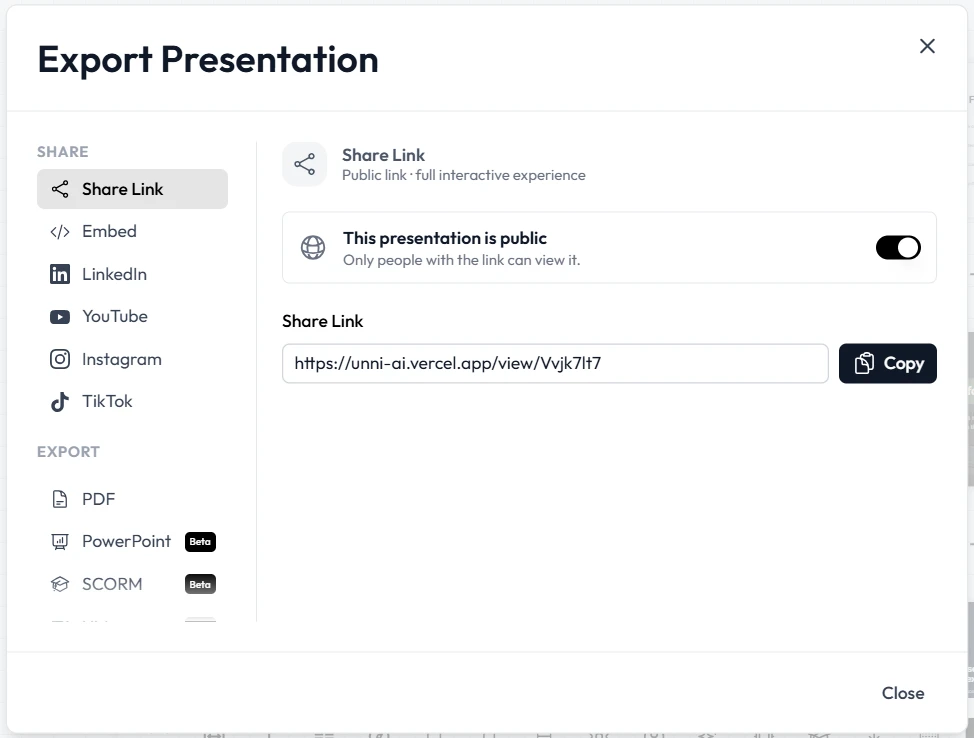
Export and deploy seamlessly. Integrate your finished slides directly into your preferred Learning Management System or virtual meeting platform for immediate use.
By following this simple checklist, you ensure that Unni serves as a true productivity multiplier in your content creation process.
Frequently Asked Questions (FAQ)
Will Unni.ai replace my job as a corporate trainer or designer?
Absolutely not. Unni is a dedicated workflow solution built specifically to eliminate repetitive, low-value tasks. It requires your unique human insight, empathy, and deep pedagogical knowledge to guide the final output and deliver the training effectively.
Can I maintain my specific company branding while using this tool?
Yes. Unni understands the critical importance of consistent branding in corporate environments. You can establish your specific brand guidelines, colors, and fonts to ensure every single presentation looks exactly like it belongs to your organization.
How steep is the learning curve for presentation automation?
The Unni platform is designed to be highly intuitive for all users, regardless of technical background. If you know how to write a basic email or outline a simple lesson plan, you can successfully generate professional training materials on your very first try.
Can I edit the presentations after they are generated?
Certainly. Unni provides you with an excellent starting point, but you retain full control over the final product. You can adjust text, swap out suggested images, and rearrange the flow until it perfectly matches your specific vision.
Conclusion: Reclaim Your Time and Energy with Unni
The era of losing sleep over misaligned text boxes, uninspiring layouts, and strict deadlines is finally over. Remote workforce training requires speed, absolute clarity, and high engagement from both the trainer and the learner. Manual slide creation is simply a massive barrier to achieving those vital educational goals.
By strategically integrating an AI presentation generator into your daily professional routine, you empower yourself to focus entirely on what truly matters. You can finally prioritize the human element of teaching, coaching, and mentoring your team. Educational AI is here to support your creative vision, not complicate your daily life. Unni stands ready to bridge the gap between your brilliant ideas and a perfectly executed visual presentation.
Stop letting formatting frustrations and design limitations dictate your busy schedule. Experience the profound relief and efficiency of true presentation automation today.
Start creating stunning AI slides with Unni.ai and transform your content creation workflow forever.