Using AI Slideshows to Create Viral Pinterest Educational Content
Learn how to turn AI slideshows into viral Pinterest educational content. Covers design tips, repurposing strategies, and tools for teachers and creators.
Pinterest has evolved from a simple mood board into a powerful visual discovery engine. For educators, trainers, and instructional designers, it represents a massive opportunity to reach millions of learners. However, the secret to success on Pinterest isn’t just a single image; it is the Carousel Pin. By using an AI presentation generator like Unni.ai, you can transform complex lesson plans into high-performing, scroll-stopping “educational slides” that drive massive engagement.
Whether you are a teacher looking to share classroom resources or a professional building a personal brand, presentation automation is the key to maintaining a consistent posting schedule without burning out. In this guide, we will walk you through the exact process of using educational AI to dominate Pinterest.
Why AI Slides are the Secret to Pinterest Growth
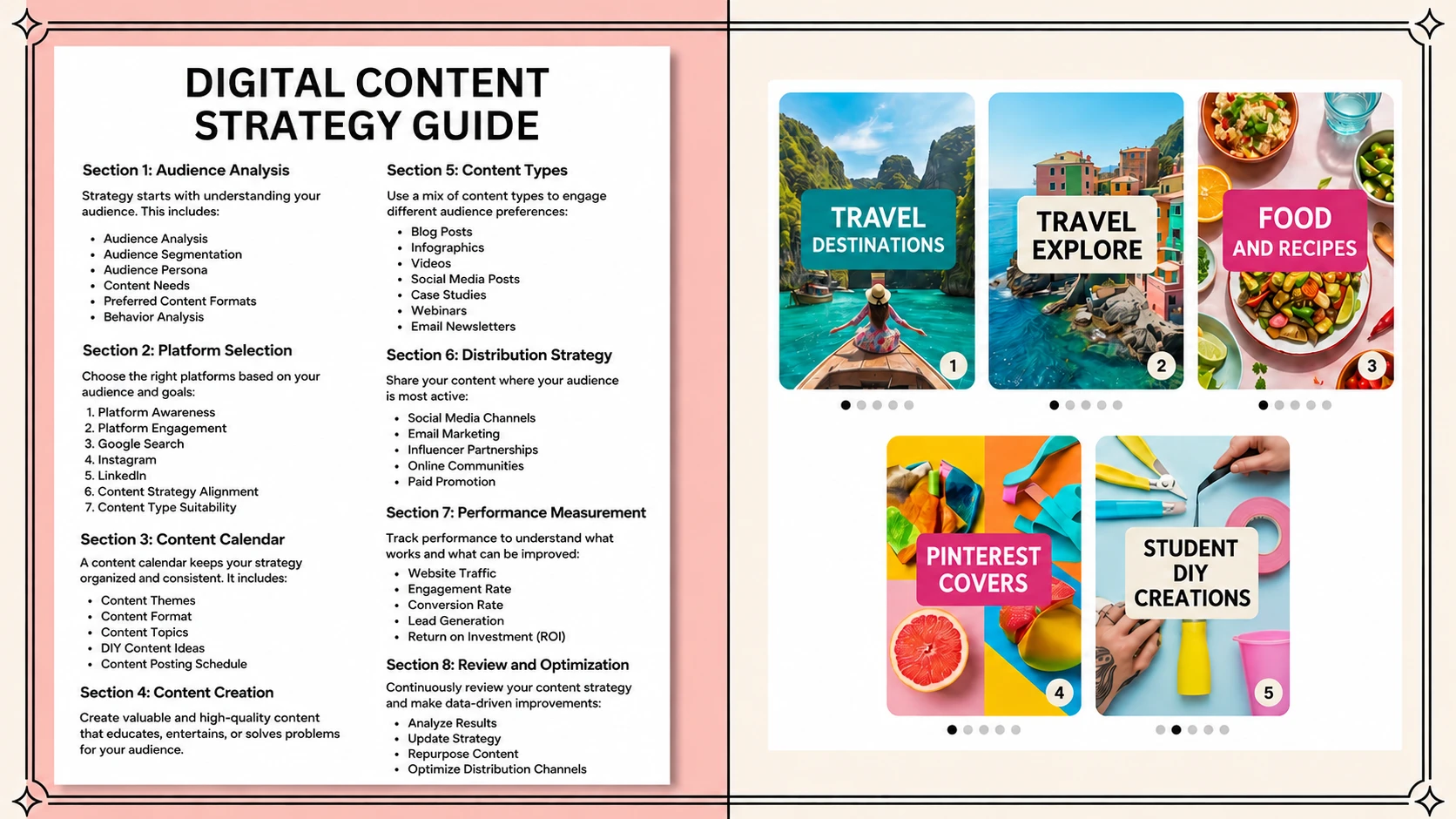
Pinterest users crave “saveable” content. Infographics and multi-slide carousels have the highest save rates because they provide immediate value. Using AI slides allows you to break down long-form topics into bite-sized, visually appealing pages.
Instead of spending hours in manual design software, Unni.ai allows you to input a topic and receive a fully formatted deck in seconds. This speed is essential for lesson planning and content marketing, as it allows you to test multiple educational hooks to see what resonates with the Pinterest algorithm.
Step 1: Define Your Educational Hook
Before opening Unni, you need a high-intent topic. Pinterest is a search engine, so think about what your audience is searching for.
-
Identify a Problem: “How to explain photosynthesis” or “5 tips for better public speaking.”
-
Use Long-Tail Keywords: Instead of “Science,” use “Fun science experiments for 5th graders.”
-
Create a Title for Impact: Your first slide must act as a “hook.”
Step 2: Generate Content with Unni.ai
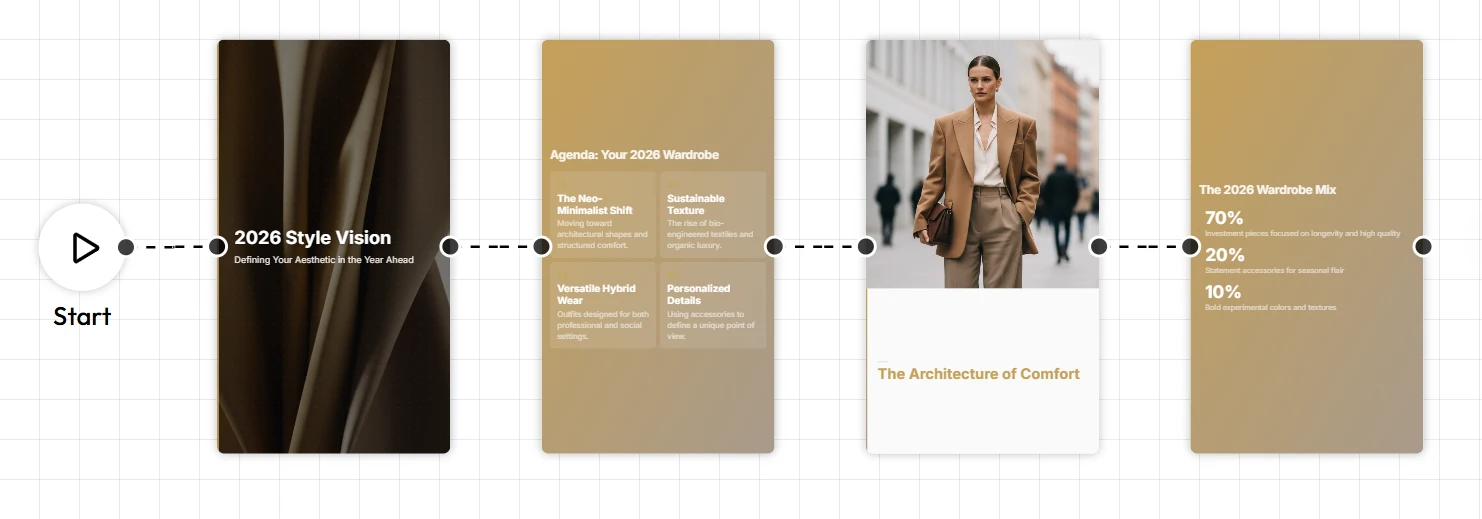
Once you have your hook, it is time to use Unni.ai to do the heavy lifting. Unni.ai uses advanced educational AI to structure information logically, which is perfect for instructional carousels.
-
Log in to Unni.ai: Navigate to the dashboard.
-
Input Your Prompt: Enter your topic into the AI presentation generator. For example: “Create a 5-slide summary of the most effective study techniques for adult learners.”
-
Choose a Vertical Template: Pinterest prefers a 2:3 aspect ratio. While Unni.ai excels at standard presentations, you can export these individual AI slides and crop them or use Unni.ai’s clean layouts that translate perfectly to mobile screens.
-
Refine the Output: Unni allows you to tweak the tone. For Pinterest, keep it conversational but authoritative.
Step 3: Optimize Your Visuals for Mobile
Most Pinterest users browse on mobile devices. This means your AI slides need high contrast and large text.
-
Bold Headings: Ensure your main point is visible even in a small thumbnail.
-
Minimalist Design: Use Unni.ai’s clean templates to avoid clutter.
-
Color Psychology: Use colors that evoke the right emotion (e.g., blue for trust in corporate training, green for growth in education).
Step 4: Export and Upload to Pinterest
Once Unni.ai has generated your deck, you are ready to publish. Presentation automation doesn’t stop at the design; it’s about the workflow.
-
Export as Images: Save your Unni.ai deck as high-resolution JPEGs or PNGs.
-
Create a Carousel Pin: On Pinterest, select “Create Pin” and upload your images in order.
-
Write an SEO-Rich Description: Include keywords like educational AI and training automation in your Pin title and description to help the algorithm categorize your content.
-
Add a Call to Action: Your last slide should always tell the user what to do next, whether that’s visiting your site or following for more tips.
Practical Examples of Viral Educational Pins
| Audience | Topic Idea | Unni.ai Slide Count |
|---|---|---|
| Teachers | 5-Minute Morning Routine for Calm Classrooms | 6 Slides |
| Corporate Trainers | The 3-Step Feedback Loop for Managers | 4 Slides |
| Instructional Designers | Understanding Bloom’s Taxonomy in 60 Seconds | 7 Slides |
| Young Professionals | How to Optimize Your LinkedIn Profile | 5 Slides |
Checklist: Is Your Pin Ready to Go Viral?
-
Does the first slide have a clear, bold hook?
-
Is the text large enough to read on a phone?
-
Did you use Unni.ai to maintain a consistent visual style?
-
Is there a “Save for Later” prompt on the final slide?
-
Are your Pinterest descriptions optimized with keywords like AI slides?
Frequently Asked Questions (FAQ)
Can I use Unni.ai for free?
Unni.ai offers various tiers, including options for educators and professionals to start exploring presentation automation immediately. For a better experience, upgrade your plan!
What is the best aspect ratio for Pinterest slides?
While standard slides are 16:9, Pinterest favors 2:3. When using an AI presentation generator, choose a clean, centered layout in Unni.ai so that the content remains legible when cropped for Pinterest.
How often should I post educational carousels?
Consistency is key. Thanks to Unni.ai, you can cut your creation time by 80%, allowing you to post 3 to 5 high-quality carousels per week.
Does Pinterest reward AI-generated content?
Pinterest rewards value. As long as your educational AI content provides real utility and follows the platform’s community guidelines, it can perform exceptionally well in search results.
Conclusion: Scaling Your Impact with Unni.ai
Creating viral educational content no longer requires a degree in graphic design or hours of manual labor. By leveraging the power of an AI presentation generator like Unni.ai, you can turn your expertise into a visual powerhouse. From lesson planning to professional branding, the ability to generate AI slides quickly gives you a competitive edge in the digital landscape. If you are a teacher looking to use Pinterest and AI together for classroom lesson design specifically, see how teachers can combine Pinterest with an AI presentation generator.
Presentation automation is the future of content marketing for educators and trainers. By focusing on high-value hooks and let Unni.ai handle the visual structure, you ensure that your message reaches the people who need it most.
Start creating your next viral Pinterest carousel with Unni.ai today.