How HR Teams Create Better Training Slides with Educational AI
Learn how HR teams use an AI presentation generator to solve manual slide creation burnout. Discover how presentation automation and educational AI transform training.
The modern HR office is often a high-pressure environment where the demand for new employee resources never stops. One week, it is a 40-slide deck on updated compliance regulations; the next, it is a comprehensive leadership development workshop. For many human resources professionals and instructional designers, the “creative” part of the job has been buried under the weight of manual formatting.
We have all been there: staring at a blank PowerPoint screen at 4:00 PM on a Friday because a subject matter expert finally sent over a disorganized 50-page PDF that needs to become a training session by Monday morning. This repetitive cycle leads to burnout, inconsistent branding, and training materials that despite the hours spent on them, fail to engage the modern workforce.
This is where presentation automation changes the game. By integrating Unni.ai into your workflow, HR teams are shifting from being manual “slide builders” to strategic learning experience designers. Using educational AI allows you to transform raw notes into professional, high-impact visuals in seconds.
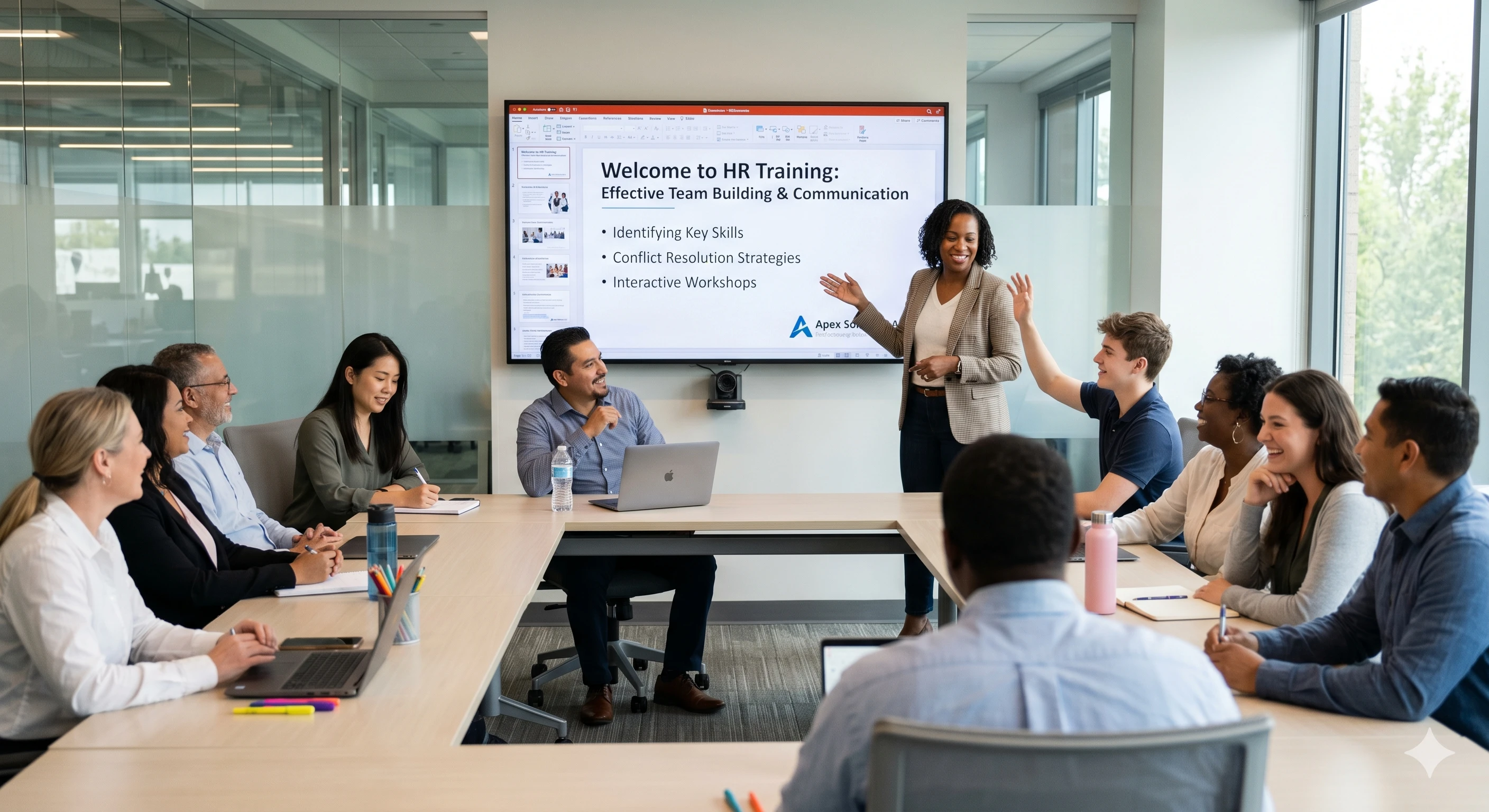
The Reality of Instructional Design Fatigue
If you feel like you are spending more time moving text boxes and resizing logos than actually thinking about pedagogy, you are not alone. The core problem is that manual presentation creation does not scale. As companies grow, the volume of training increases, but the hours in the day remain the same. HR teams often face these specific bottlenecks:
-
Training Material Overload: Dealing with massive amounts of source material that must be condensed into digestible slides.
-
Design Skill Gaps: Being expected to produce “agency-quality” visuals without having a background in graphic design.
-
Tight Deadlines: Executive requests that require a 24-hour turnaround for complex topics like DEI or new software rollouts.
-
Formatting Frustration: Spending hours ensuring that every bullet point and image alignment is consistent across a 100-slide deck.
Unni.ai acts as a workflow solution that addresses these specific pain points. Instead of fighting with a template, you can use Unni.ai to handle the heavy lifting of structure and design, allowing you to focus on the actual message.
Why HR Teams are Switching to an AI Presentation Generator
The shift toward educational AI is not just a trend; it’s a reclaimation of time for high-value human interactions. When an HR professional uses Unni.ai, they are adopting a faster, more reliable way to communicate.
1. Eliminating the “Blank Page” Anxiety
One of the hardest parts of creating a training deck is the start. Unni.ai takes your initial prompt or uploaded document and generates a complete outline and slide structure. This initial draft provides a solid foundation that you can then refine, cutting your “start-to-finish” time by up to 70%.
2. Consistency Across the Organization
Inconsistent branding makes a company look disorganized. Whether it is a new hire orientation or a mid-level management seminar, your slides should look like they belong to the same brand. Unni.ai ensures that fonts, colors, and layouts remain consistent throughout the entire presentation, regardless of who is hitting the “generate” button.
3. Rapid Content Iteration
In HR, policies change frequently. Manually updating a 50-slide deck to reflect a single change in a benefits package is tedious. With presentation automation, you can input the new data into Unni.ai and have a refreshed, updated version of your training material in a fraction of the time it would take to edit every slide manually.
Practical Scenarios: How Unni.ai Solves Workplace Friction
Let’s look at how educational AI applies to real-world HR tasks.
New Hire Onboarding
Traditionally, onboarding decks are massive, text-heavy, and frankly, a bit boring. An HR manager can use Unni.ai to break down a 60-page employee handbook into a series of visually engaging, 5-minute micro-learning modules. Unni.ai helps identify the most critical points and suggests layouts that keep new employees focused.
Compliance and Safety Training
Compliance is often seen as a “check-the-box” activity because the materials are dry. By using an AI presentation generator, you can quickly turn complex legal jargon into clear, visual scenarios. Unni.ai allows you to create high-quality training slides that help employees actually retain the information, rather than just clicking through.
Leadership Development
Trainers often need to customize presentations for different departments. A sales manager needs a different tone than a software engineering lead. Unni.ai makes it easy to adjust the “voice” and content of a presentation for specific audiences without starting from scratch every time.
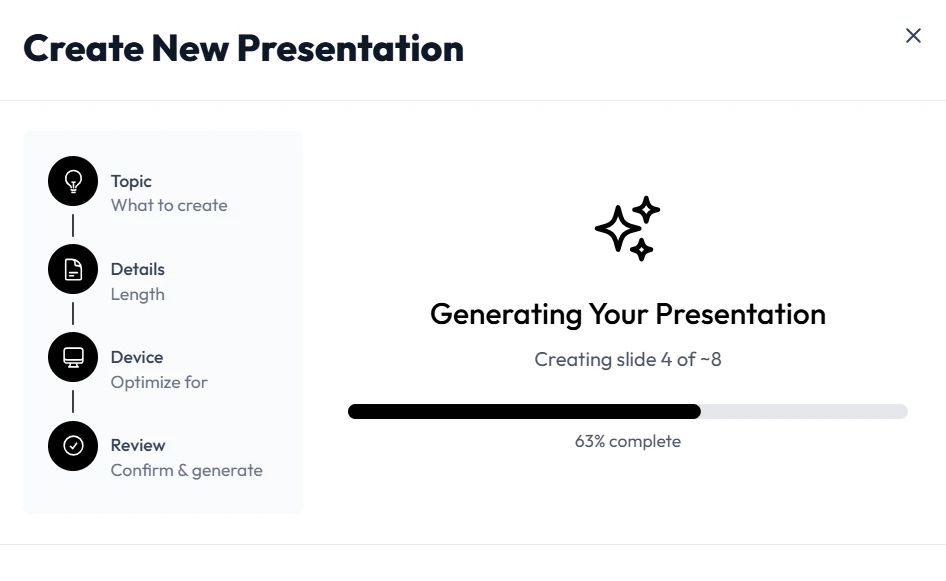
Checklist: Maximizing Efficiency with Presentation Automation
To get the most out of Unni.ai and other educational AI tools, follow this efficiency checklist:
-
Centralize Your Assets: Keep your company logos, hex codes, and standard font names ready to input into Unni.ai.
-
Start with an Outline: Even the best AI works better with a clear structure. Use Unni.ai to expand on your core talking points.
-
Focus on the “Hook”: Let Unni.ai handle the layout while you spend your saved time crafting a compelling opening for your training session.
-
Review for Context: While Unni.ai is incredibly smart, only you know the specific cultural nuances of your office. Use the time you saved to add those personal touches.
-
Export and Share: Use the seamless export features of Unni.ai to get your slides into the format your team uses most, whether it is PowerPoint, PDF, or a live link.
Leveraging Educational AI for Better Learning Outcomes
Research consistently shows that learners retain information better when it is presented in a clear, visually stimulating way. When HR teams are rushed, the “visual” part is usually the first thing to be sacrificed. We end up with “Death by PowerPoint”: slides filled with too much text and zero engagement.
By using Unni.ai, you are no longer sacrificing quality for speed. The platform applies design principles automatically, ensuring that the cognitive load on your trainees is managed effectively. This leads to higher engagement scores and better post-training performance.
FAQ: Frequently Asked Questions
Is Unni.ai difficult to learn if I’m not tech-savvy?
Not at all. Unni.ai is designed specifically for professionals who need results without a steep learning curve. If you can type a prompt or upload a file, you can use Unni.ai.
How does an AI presentation generator handle sensitive company data?
Tools like Unni.ai prioritize security and privacy. When using presentation automation for internal HR documents, ensure you are using a secure, professional-grade platform that respects your data sovereignty.
Can I still customize the slides after the AI generates them?
Yes. Unni.ai provides a “first draft” that is about 90% complete. You have full control to edit text, swap images, and move elements to make the deck your own.
Will AI replace the role of an instructional designer?
Think of Unni.ai as an assistant, not a replacement. It removes the tedious tasks of formatting and layout, allowing the instructional designer to focus on the more important task of creating effective learning strategies.
Conclusion: Reclaiming the Creative Process with Unni.ai
The frustration of manual slide creation is a significant contributor to burnout in the HR and education sectors. Spending eight hours on a presentation that could have been completed in thirty minutes is an inefficient use of talent. By embracing presentation automation, you aren’t just saving time; you are improving the quality of your workforce’s education.
Educational AI is the bridge between a mountain of raw data and a clear, actionable message. Whether you are a teacher planning next week’s lessons or an HR director rolling out a global initiative, Unni.ai provides the tools to speak clearly and professionally.
Stop fighting with text boxes and start focusing on your people. Let an AI presentation generator handle the design so you can handle the development.