Surviving Post-Scope Budget Cuts with Modular Design and Presentation Automation
Learn "The De-scoping Scalpel" strategy. Use modular design and an AI presentation generator like Unni.ai to build flexible courses that survive budget cuts.
There is a unique brand of heartbreak in instructional design. You’ve spent weeks in discovery, the stakeholders have signed off on a high-fidelity scope, and you’ve mentally mapped out a cinematic, interactive masterpiece. Then, the email arrives: “Due to unforeseen quarterly shifts, we need to reduce the project budget by 30%. Please adjust the design accordingly. Deadline remains the same.”
To survive this without losing your mind (or the quality of the learning), you need The De-scoping Scalpel. This is about Modular Design: building your content as independent, interchangeable units rather than a single, monolithic block.
What is Modular Design? (The LEGO Strategy)
Traditional course design is often “linear and locked.” If you remove Chapter 3, Chapters 4 and 5 stop making sense because of the references and transitions.
Modular design treats your content like a set of LEGO bricks. Each module is a self-contained learning object with its own objective, activity, and summary. They are designed to fit together, but they don’t rely on each other to stand up. When you implement modularity, de-scoping isn’t a messy amputation; it’s a clean removal. You don’t “cut the budget”; you simply “remove a module.”
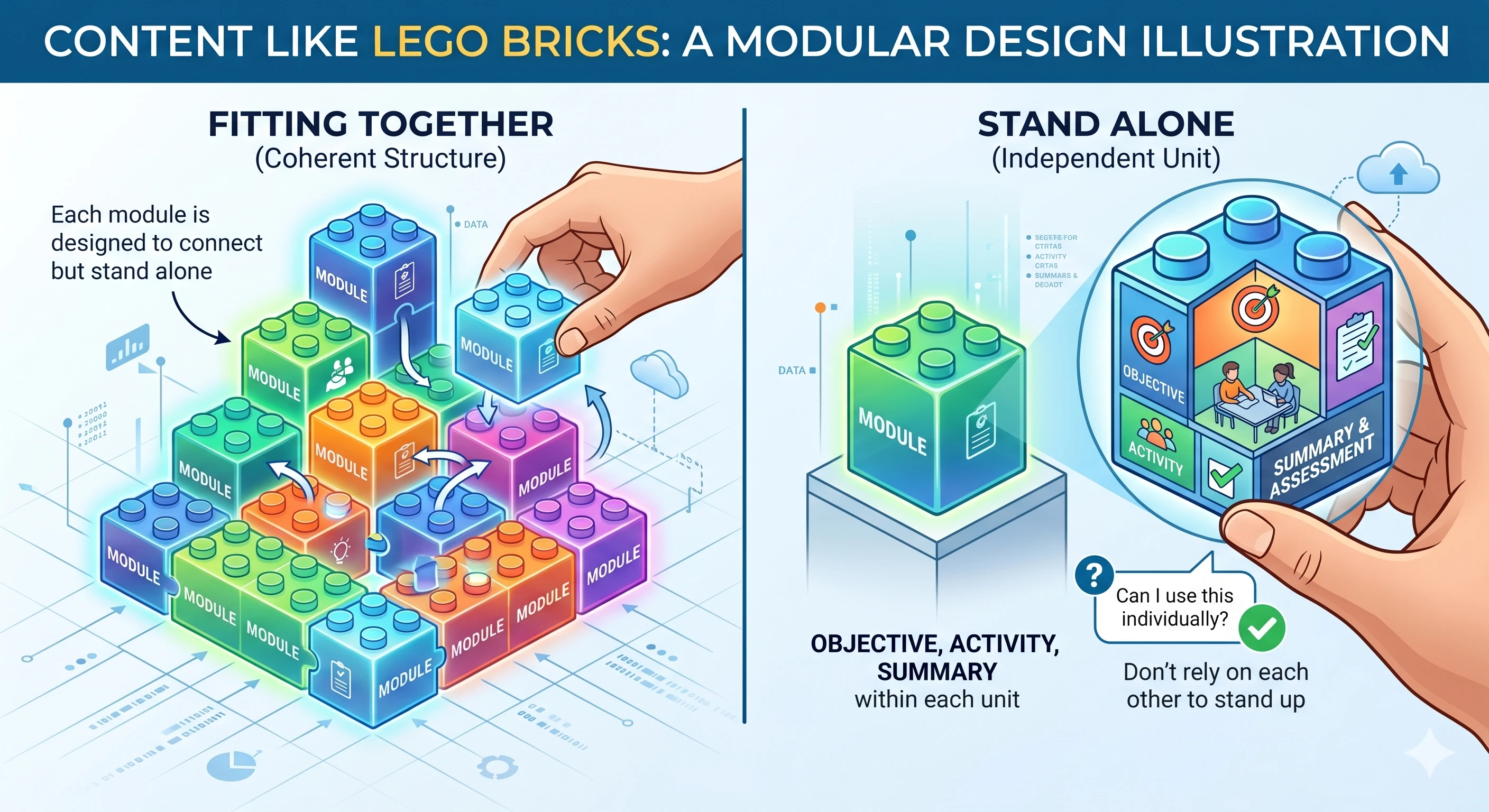
The De-scoping Scalpel: 3 Strategies for Modularity
1. The “Atomic” Content Structure
Break your content down to its smallest functional parts. Instead of one giant slide deck about “Compliance,” create three micro-modules: “The Law,” “The Behavior,” and “The Reporting.”
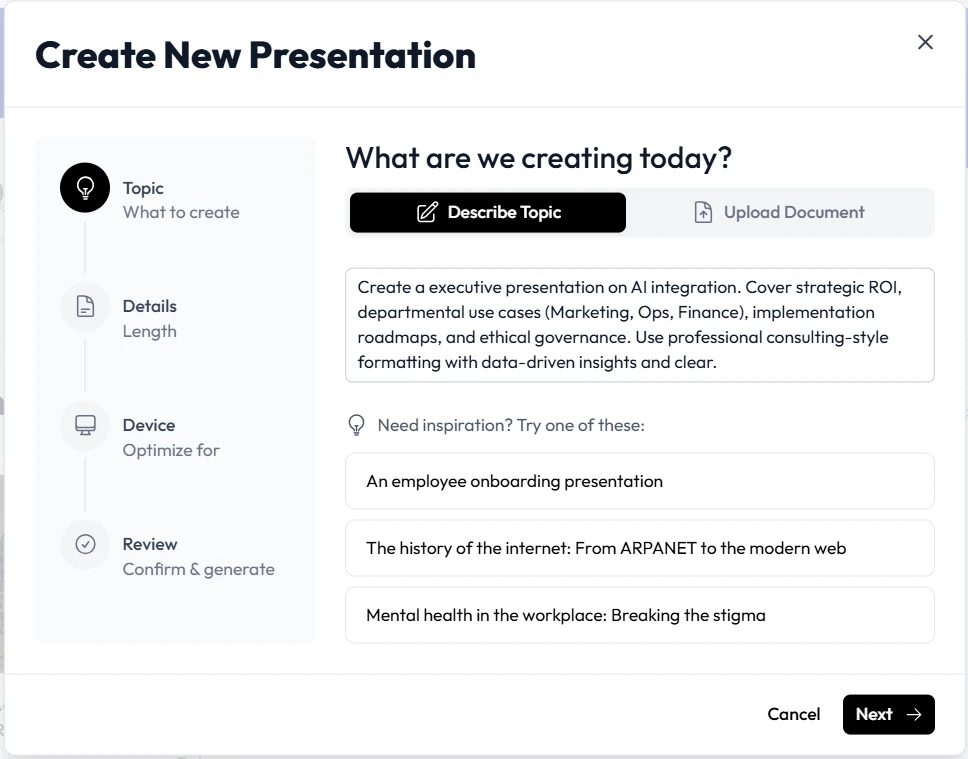
By using an AI presentation generator like Unni.ai, this process becomes significantly faster. You can prompt the AI to generate these independent “atoms” of content. If the budget for “The Reporting” simulation gets cut, you simply don’t generate those slides, and the rest of the deck remains visually and logically intact.
2. Decoupled Navigation
Stop using “Previous/Next” buttons that reference specific slide numbers or “As we discussed in the last section” voiceovers. Use “Home” menus or dashboard-style navigation.
If a module is cut, you just remove one button from the dashboard. This is the heart of presentation automation. Tools like Unni.ai allow you to maintain a consistent UI/UX across different modules, so even if the “size” of the course changes, the professional look remains constant.
3. Tiered Feature Sets (Must-Should-Could)
When you are lesson planning, categorize every interaction:
-
Must-Have: The core regulatory or safety info (The Skeleton).
-
Should-Have: The scenarios and practice (The Muscle).
-
Could-Have: The high-end animations and branching paths (The Skin).
When the “De-scoping Scalpel” comes out, you know exactly what to prune. You start with the “Could-Haves,” then the “Should-Haves.”
Using Unni.ai to Build a “Collapsible” Course
When you manually delete 10 slides from a 50-slide PowerPoint, the transitions break, the numbering is off, and the narrative flow collapses.
Presentation automation through Unni.ai solves this:
-
Instant Re-theming: If you have to cut a high-budget video section, you can use Unni.ai to instantly re-theme the remaining text-based slides to be more visually engaging, filling the “engagement gap” left by the cut.
-
Automated Layouts: If you combine two modules into one to save on development time, Unni.ai’s educational AI adjusts the layouts automatically to ensure the content doesn’t look crowded.
-
Scalable Asset Management: Because Unni.ai handles the design logic, you can scale your project up or down in minutes, not days.
Checklist: Is Your Course “Scalpel-Ready”?
Before you finish your next scope, ask yourself these four questions:
-
Dependency Check: Does Module B require the learner to have seen a specific example in Module A? (If yes, move the example to a shared “Resource” module).
-
Navigation Independence: If I deleted slides 10-15 right now, would the “Next” button on slide 9 still lead to a logical place?
-
Media Isolation: Are my expensive animations “extras” or “essentials”? Could the course function with a static image if the animation budget vanished?
-
Automation Alignment: Am I using a tool like Unni.ai that allows me to re-format the entire project if the delivery method changes?
Frequently Asked Questions (FAQ)
Does modular design take more time upfront?
Initially, yes. It requires more disciplined lesson planning. However, it saves 10x that time during the “Scope Creep” or “Budget Cut” phases. It is an insurance policy for your project timeline.
Can I use an AI slideshow maker for modular content?
Absolutely. In fact, AI for teachers and trainers is best used this way. By feeding Unni.ai specific, modular prompts, you ensure that the AI focuses on one clear objective at a time, resulting in higher-quality output.
How do I explain “Modular Design” to a frustrated stakeholder?
Frame it as “Future-Proofing.” Tell them: “We are building this in modules so that if your needs change next year, we can update or remove parts of the training without rebuilding the whole thing.”
Conclusion: Build for Change, Not for Perfection
The era of the “Fixed Scope” is dying. Between shifting budgets and the rapid evolution of educational AI, the only way to survive as a designer or educator is to remain flexible.
Don’t let a budget cut turn your hard work into a “Frankenstein” project. Use the De-scoping Scalpel. Build modularly. And most importantly, use presentation automation to handle the heavy lifting.
Unni.ai is designed to be the ultimate tool for the modular designer. It allows you to pivot, prune, and polish your presentations at the speed of business. Don’t be a victim of the budget, be the master of the pivot.
Experience the power of modularity with Unni.ai. Start building smarter today.