AI Presentation Makers That Simplify Teaching Workflows
Discover AI presentation makers that simplify teaching workflows. Learn which tools help educators save time on lesson prep, design, and content updates.
The modern classroom moves at a relentless pace. Educators and instructional designers are constantly balancing the need for deep student engagement with an ever-growing list of administrative tasks. One of the most time-consuming hurdles in this environment is the manual creation of visual aids. Designing a slide deck from scratch often takes hours that could be better spent on direct student mentorship. However, the emergence of the AI presentation generator has introduced a significant shift in how academic materials are produced.
By adopting educational AI, teachers can now automate the visual heavy lifting. This guide explores how presentation automation through Unni.ai allows professionals to create professional AI slides that are both pedagogically sound and visually striking. Using Unni.ai ensures that your focus remains on the delivery of knowledge rather than the mechanics of slide design.
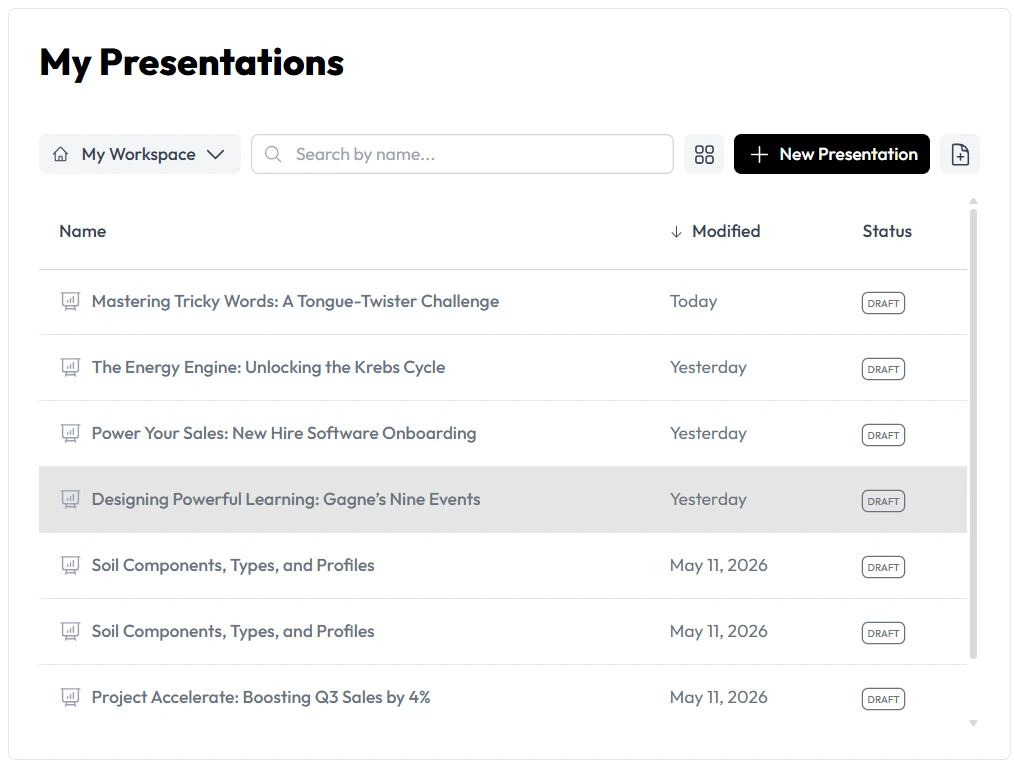
Why Educators are Switching to Presentation Automation
Traditional slide creation is a linear and tedious process. It involves researching content, summarizing bullet points, and then searching for royalty-free images that fit the theme. This workflow is often inefficient and prone to design fatigue. Educational AI changes this dynamic by acting as an intelligent partner in the creative process. Unni.ai utilizes advanced algorithms to understand the context of your lesson and generate a structure that supports learning.
The benefit of using an AI presentation generator goes beyond simple speed. It provides a level of visual consistency that is difficult to achieve manually. When you use Unni.ai, the software applies design principles like balance, hierarchy, and contrast automatically. This means your AI slides will look professional regardless of your personal design experience. For young professionals and teachers, this level of presentation automation is the key to maintaining a high standard of work without burnout.
Step-by-Step: Using Unni.ai for Lesson Planning
Integrating Unni into your routine is straightforward. The following steps show how to move from a basic concept to a finished deck using Unni.ai.
1. Define Your Educational Objective
Start by identifying exactly what you want your students to learn. Open Unni.ai and provide a clear prompt. Instead of typing “Biology,” try “The steps of photosynthesis for a 10th-grade science class.” Specificity helps Unni generate more relevant content.
2. Choose the Presentation Scale
Decide how many AI slides you need for your time slot. Unni.ai allows you to customize the length of the presentation. This ensures that the educational AI does not provide too much or too little information for your specific class period.
3. Review the AI Generated Outline
Before the full design is rendered, Unni.ai presents a text-based outline. This is your chance to refine the narrative. You can ask Unni to add more detail to a specific section or remove topics that aren’t relevant to your current curriculum.
4. Apply a Pedagogical Style
Select a visual theme in Unni.ai that matches your teaching environment. Whether you need a minimalist look for a university lecture or a vibrant style for a primary school class, Unni provides templates that are optimized for readability and focus.
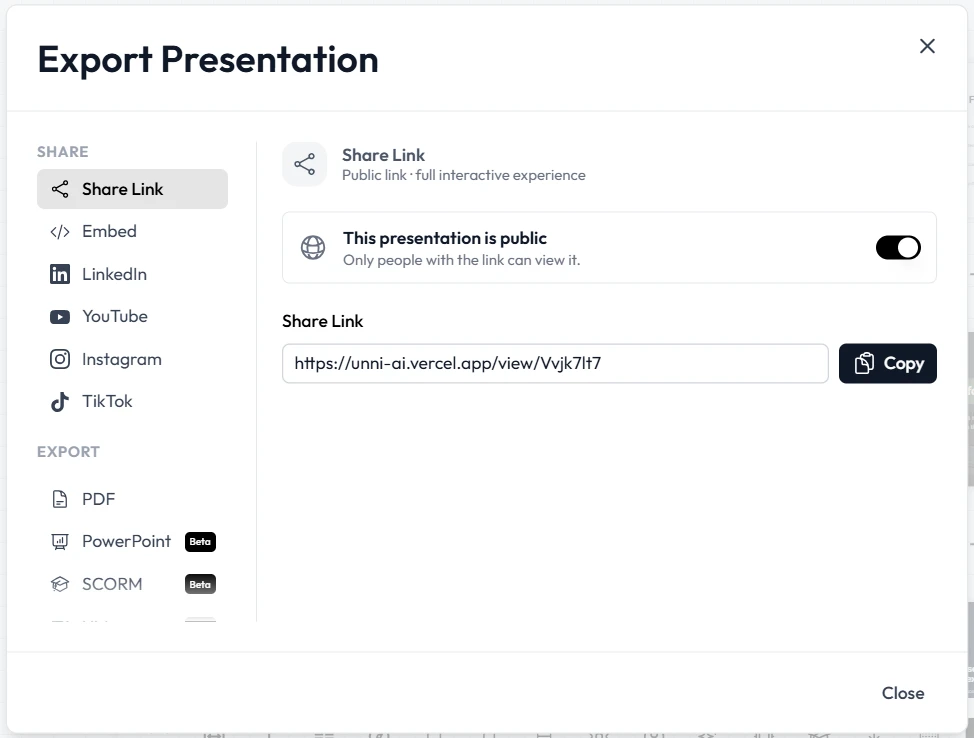
5. Finalize and Export
Once Unni.ai completes the presentation automation process, you can make final manual adjustments. You might add a specific class project link or a local case study. Then, simply export your finished project from Unni for use in the classroom.
Practical Examples of AI Slides in Different Settings
The versatility of Unni.ai makes it a powerful tool across various educational and professional sectors.
Corporate Training Automation
Corporate trainers often need to turn dry compliance documents or technical manuals into engaging workshops. Using Unni.ai for training automation allows you to upload a PDF and receive a structured training deck in seconds. This ensures that every employee receives the same high-quality visual information without the trainer spending days on PowerPoint.
Higher Education and Academic Research
For academic professionals, presenting complex data is a frequent requirement. Unni.ai can take research abstracts and transform them into clear AI slides. The AI presentation generator ensures that charts and key findings are presented with enough white space to be legible in a large lecture hall.
Course Creation for Digital Educators
If you are a course creator, the speed of Unni.ai is your greatest asset. You can build out an entire 10-module course with consistent branding and structure by utilizing the educational AI features within Unni. This allows you to launch your content faster and maintain a professional image across all video lessons.
The Efficiency Checklist for Modern Teachers
To ensure your automated presentations are effective, use this checklist before you step into the classroom.
-
Learning Goal Focus: Does the first slide generated by Unni.ai clearly state the lesson objective?
-
Visual Balance: Does each slide have a healthy mix of text and imagery provided by the AI presentation generator?
-
Fact Verification: Did you review the specific data points generated by the educational AI against your primary sources?
-
Interactive Elements: Did you leave space in your Unni project for student questions or group activities?
-
Readability: Is the font size and contrast in your Unni.ai deck sufficient for students at the back of the room?
-
Time Management: Does the total number of AI slides fit within your scheduled lecture time?
Frequently Asked Questions (FAQ)
How does Unni.ai help with lesson planning?
Unni.ai reduces the friction of starting from a blank page. The AI presentation generator provides a structured outline and visual layout based on your topic, which cuts hours off the traditional lesson planning process.
Is the content in Unni.ai slides customizable?
Absolutely. Unni.ai is designed to be a flexible partner. While the presentation automation handles the initial design, you have full control over every text box and image within the Unni editor.
Can Unni.ai handle complex scientific or technical topics?
Yes. Unni.ai is built to process a wide range of academic and professional data. Whether you are teaching history or advanced coding, the educational AI can adapt its tone and structure to fit the complexity of the subject.
Do I need design skills to create high-quality AI slides?
No design skills are required. The main purpose of Unni.ai is to democratize high-quality design so that any teacher or trainer can produce professional-grade visuals without specialized training.
Conclusion
The transition toward educational AI is more than just a trend. It is a necessary response to the increasing demands placed on modern educators and trainers. By utilizing an AI presentation generator like Unni.ai, you can reclaim your schedule and focus on the art of teaching. Presentation automation removes the technical barriers that often prevent great ideas from being shared effectively. Whether you are focused on lesson planning, training automation, or professional growth, Unni.ai provides the tools to succeed. As you integrate AI slides into your workflow, you will notice not only an improvement in your productivity but also an increase in student engagement. The future of instruction is efficient, visual, and powered by Unni.ai.